 Mosquitto: WebSockets
How to connect to MQTT using WebSockets
👋 Welcome to the Stackhero documentation!
Stackhero offers a ready-to-use Mosquitto MQTT cloud solution that provides a host of benefits, including:
- Unlimited message exchanges and transfers.
- Unlimited devices authentication via an external API.
- Advanced ACLs on topics, users and actions.
- Customizable domain name secured with HTTPS (for example, https://mqtt.your-company.com).
- Effortless updates with just a click.
- Optimal performance and robust security powered by a private and dedicated VM.
Save time and simplify your life: it only takes 5 minutes to try Stackhero's Mosquitto MQTT cloud hosting solution!
You can connect to Mosquitto using either the MQTT protocol or WebSockets.
The MQTT protocol is known for its lightweight nature, making it an excellent choice for IoT devices. However, direct MQTT connections are not feasible for web applications, as browsers do not natively support MQTT. To bridge this gap, you can utilize WebSocket support, which encapsulates MQTT within a WebSocket connection.
To enable WebSocket usage, you can activate the "WebSocket support" option in your Stackhero dashboard. Once enabled, configure your client to connect using the URL wss://XXXXX.stackhero-network.com:443 as the server address. This replaces the standard MQTT connection URL mqtts://XXXXX.stackhero-network.com.
Choosing an MQTT library
If you are developing a JavaScript-based application, consider using the MQTT.js library. This library is highly versatile and works seamlessly in both Node.js environments and directly in web browsers. You can find its documentation and repository here: https://github.com/mqttjs/MQTT.js.
Example of connecting to MQTT using WebSockets
For a practical demonstration of how to connect a web browser to an MQTT server using WebSockets, check out this example repository: https://github.com/stackhero-io/mqttWebSocketGettingStarted.
When using this example, update the src/index.html file with your server's specific url, username, and password.
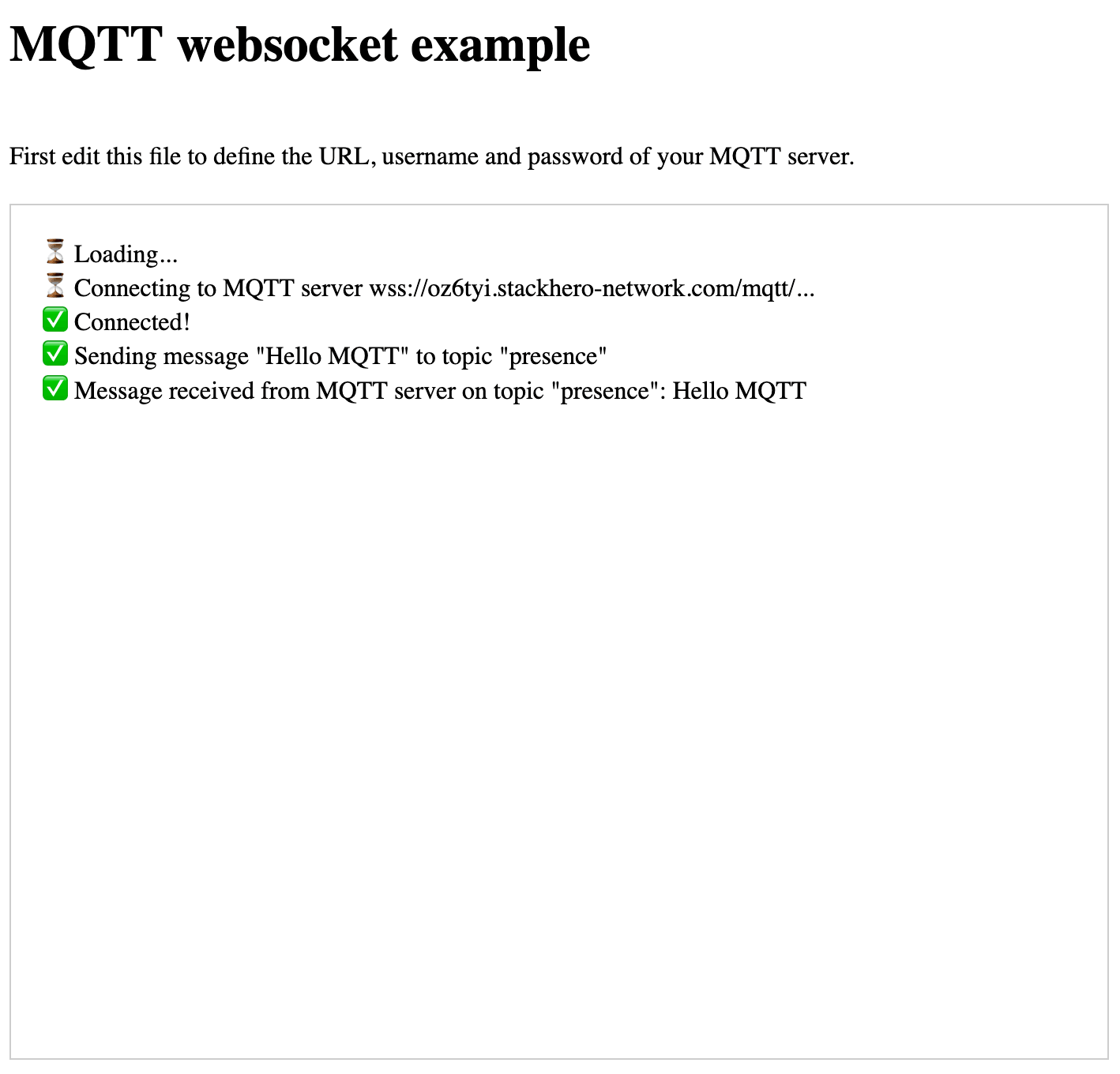 MQTT WebSocket example
Do not forget to activate WebSocket support in the Stackhero dashboard before proceeding.